Short answer: Email encryption protects sensitive information from being exposed if a message is intercepted, misdirected, or accessed by the wrong person. Because nearly every business handles sensitive data, we treat encryption as a standard part of your environment, not an optional upgrade. If encryption creates friction in your workflow, we will help fix the workflow. We will not simply turn off the protection.
That may sound firm, but it is meant to protect you, your clients, and the business you have worked hard to build.
Your everyday emails contain more sensitive information than you think
Most business owners do not wake up thinking, “Today I am going to send personally identifiable information through email.”
Instead, it happens as part of a normal workday:
- An invoice includes bank account or payment details.
- An employee sends an HR document containing a Social Security number.
- A client intake form includes a date of birth, address, or insurance information.
- A tax return or mortgage document is attached to an email.
- A password reset message includes account recovery information.
- A vendor sends a spreadsheet containing customer or employee data.
None of these messages feels dramatic when you send it. That is exactly what makes email security difficult. You cannot always predict which message will contain information that could cause serious financial or personal harm if it lands in the wrong hands.
That is why our approach is simple: sensitive information should be protected automatically, without requiring you or your team to remember a complicated decision tree every time you click Send.
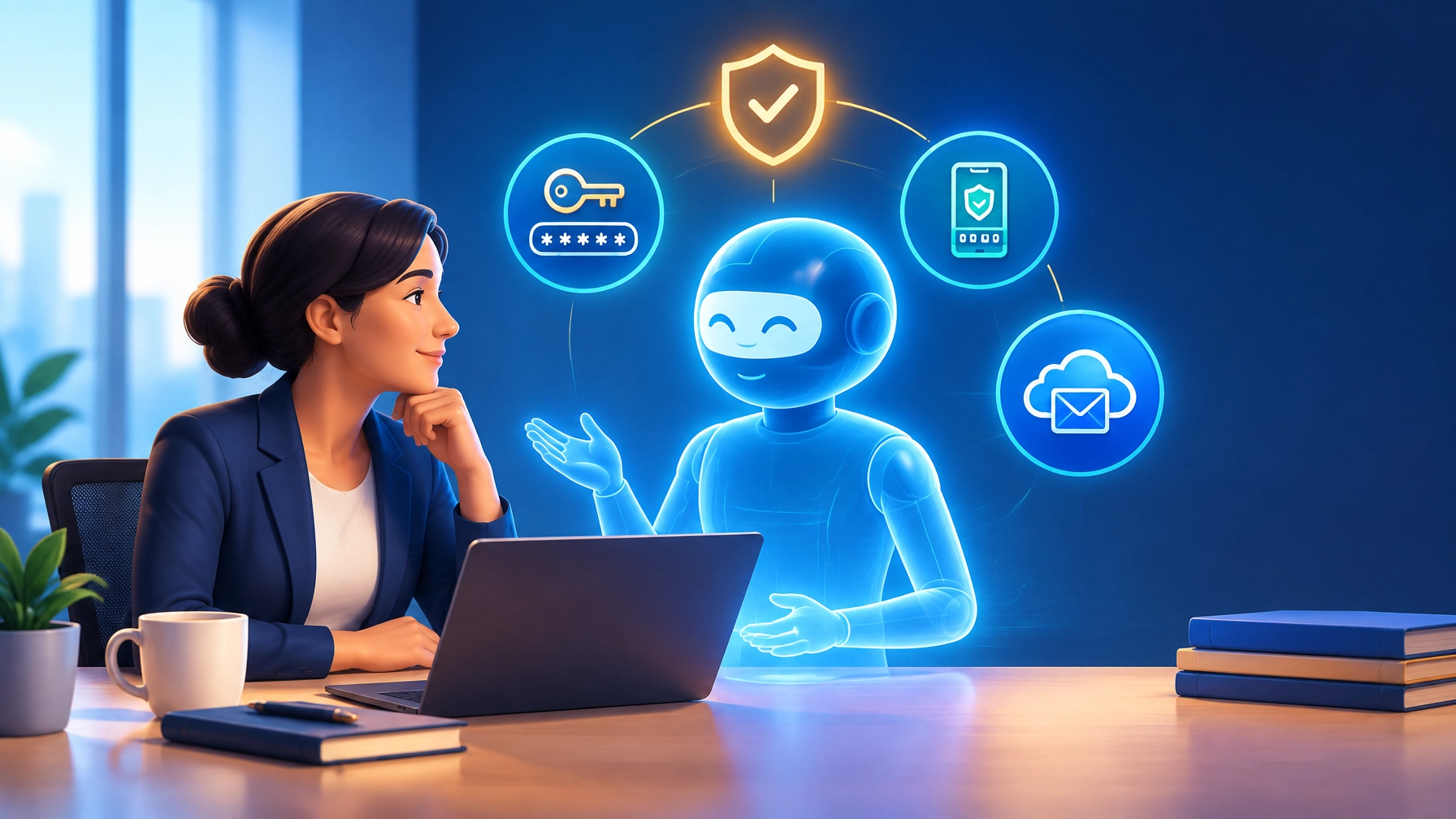
Email encryption scrambles message content so unauthorized people cannot easily read it while it is being transmitted or stored. It is one layer of protection, not a magic shield against every cyberattack, but it is an important one.

Encryption should be part of the road, not a detour
Some technology providers treat email encryption like a premium feature. It is something you add for a particular department, a particular type of client, or a particular compliance requirement.
We look at it differently.
If you run a business, you already handle information worth protecting. You should not have to identify every sensitive email manually, remember a special keyword, or trust that someone will notice a warning at the right moment.
Our job is to build protection into the way your team already works. That can include automatically identifying sensitive information, encrypting messages, requiring secure delivery, or stopping a message for review when it presents a serious risk.
The goal is not to make your team think about cybersecurity all day. The goal is to make the safer path the easier path.
If your current secure email workflow feels slow or confusing, that is a problem worth solving. Maybe the recipient instructions are unclear. Maybe a secure portal is not configured properly. Maybe your system is flagging routine messages too often. We can investigate those issues and make the process more practical.
The answer is not to remove the guardrail because the road has a sharp turn.
A real-world example of “convenient” becoming dangerous
We once worked with a hospitality business that pushed back on automatic protection for personally identifiable information. The secure process added a little friction, and the team wanted to keep moving quickly.
At the same time, employees were still sending full Social Security numbers through ordinary, unprotected email.
That is not just a matter of preference. It creates a real risk of identity theft for the people whose information is being handled.
We understand why employees want fewer steps. Everyone is busy, and nobody enjoys wrestling with an awkward security process. But when the information involved could damage someone’s financial life, the right response is to improve the process, not remove the protection.
The client remained the hero of that conversation. Our role was to help them find a secure workflow that worked for their operation.
What happens when secure delivery is not built in
We also reviewed a Phoenix-area tax firm that had been breached while operating from a consumer ISP email account. After the breach, the firm compounded the problem by emailing clients password instructions where the “password” was effectively the client’s Social Security number combined with their city and ZIP code.
That example is uncomfortable, but the lesson is useful.
When secure delivery is not built into normal operations, people improvise. They create shortcuts because they need to get work done. Those shortcuts often include:
- Sending sensitive documents as ordinary attachments.
- Reusing predictable personal information as passwords.
- Using personal email accounts for business records.
- Forwarding confidential messages to avoid a security prompt.
- Sharing login instructions in the same email as the username.
You are building a business with systems that are quietly working against you if the secure option is so difficult that your team routinely works around it.
Good security should support the business, not constantly fight it.
What we do for you behind the scenes
Email encryption is only one part of the protection we manage. Here is how the major layers fit together.
| What we manage | What it does | Why it matters to you |
|---|---|---|
| Automatic encryption and secure delivery | Protects sensitive messages and attachments from unauthorized viewing | Helps protect client, employee, financial, and business information |
| SPF, DKIM, and DMARC | Verifies which services are allowed to send email for your domain | Makes it harder for criminals to impersonate your business |
| DMARC enforcement | Rejects unauthenticated messages pretending to come from your domain | Reduces spoofing, phishing, and fake invoice attempts |
| Inline email security scanning | Examines incoming, outgoing, and internal messages for threats and sensitive data | Can block, quarantine, alert on, or encrypt risky messages before they become a problem |
| BitLocker or FileVault | Encrypts the contents of managed computers | Helps protect data if a laptop is lost or stolen |
| Domain authentication monitoring | Watches for changes, failures, and unauthorized senders | Helps keep your protection working as your vendors and systems change |
It is important to understand that SPF, DKIM, and DMARC do not encrypt the contents of an email. They solve a different problem.
- SPF helps identify which servers are authorized to send mail for your domain.
- DKIM adds a digital signature that helps verify the message came from an approved source.
- DMARC tells receiving mail systems what to do when a message fails those checks.
Encryption protects what is inside the message. Email authentication helps confirm who sent it. You need both.
We generally configure managed domains for DMARC enforcement rather than leaving them in monitoring-only mode indefinitely. Valimail’s explanation of DMARC provides a helpful overview of the difference between watching for spoofing and actively blocking it.
For outbound protection, tools such as Check Point Harmony Email and Collaboration can inspect message content and attachments for personally identifiable information, financial data, and other sensitive material. Depending on the situation, a message may be encrypted, blocked, quarantined, or flagged for review.
Which stage are you in?
Your security needs will change as your business grows, but encryption matters at every stage.
Pre-revenue or lean stage
When you are starting out, you may be using a small number of accounts and a handful of cloud tools. It can be tempting to use a personal Gmail account, Yahoo, or basic ISP email because it is inexpensive and familiar.
That choice can create problems later.
Free consumer email is not designed to provide the same administrative controls, auditing, account management, threat protection, and business security features available through platforms such as Microsoft 365 or Google Workspace. Starting with a business-grade foundation is usually less painful than trying to rebuild one after a breach.
This is also the stage when you should establish good habits:
- Use business email accounts for business information.
- Turn on multifactor authentication.
- Avoid sending sensitive information in ordinary messages.
- Use unique passwords and a password manager.
- Establish who manages your domain and email security.
Growth stage
As your team grows, you add employees, vendors, applications, and outside services. Your email domain may be sending through a website platform, accounting service, marketing tool, customer relationship system, and several other providers.
That is when authentication drift becomes a problem. A new service gets connected, DNS records are changed, and nobody notices that a previously reliable security control is no longer aligned.
Growth is exciting, but it increases the number of ways information can leave the business. This is where ongoing monitoring, endpoint protection, email scanning, and managed administration become especially valuable.
If you are comparing platforms, we are candid with clients about the differences. Consumer email is not a suitable business foundation for sensitive work. Among business platforms, we have also found that Zoho can offer less protection than Gmail or Microsoft 365 when those platforms are properly configured and paired with additional email security tools. The right choice depends on your workflow, budget, and the kind of data you handle, particularly if financial or regulated information is involved.
Five practical takeaways for business owners
-
Assume business email may contain sensitive information.
Invoices, employee records, client forms, and attachments can all create risk. -
Do not treat encryption as an optional upgrade.
Make secure delivery part of the normal process before there is a breach or compliance problem. -
Use business-grade email.
Personal Gmail, Yahoo, and basic ISP accounts do not provide the administrative and security controls most businesses need. -
Protect the sender and the message.
Encryption protects the content. SPF, DKIM, and DMARC help protect your domain from impersonation. -
Fix friction instead of bypassing protection.
If secure email slows your team down, review the workflow, recipient experience, and configuration. The solution should make security easier to use.
Why we hold the line
We have seen wire fraud caused by a domain that differed by one letter. We have reviewed breach disclosures linked to missing email authentication. We have seen clients lose trust because a preventable leak made them look careless, even when the mistake began with a single ordinary email.
Email remains one of the most common entry points for attacks against businesses. Encryption does not eliminate phishing, malware, or business email compromise. But when it is combined with inline scanning, domain authentication, endpoint encryption, multifactor authentication, and security awareness, it closes many of the gaps that turn a routine mistake into a six-figure loss.
That is what we want for you: a business that can communicate confidently, protect its clients, and keep operating without making cybersecurity a daily distraction.
If you need help reviewing your email platform, encryption workflow, or domain protection, our Managed IT services Phoenix team can help you identify the gaps and make the safer process practical. We also support the surrounding technology, including Microsoft 365 and Google Workspace administration, website hosting and maintenance, and day-to-day technical support.
Schedule an introductory call with us and let’s talk about what your business needs. We will look for a solution that fits how you work. We just will not solve workflow friction by turning off the protection designed to keep your business and your clients safe.