Direct Answer: Why Isn’t Paying for Security the Same as Being Secure?
Because security only works when the tools, the provider, and the business all do their part. You can pay for monitoring, antivirus, backups, MFA, and ransomware protection, but if alerts are ignored, risky behavior continues, access stays messy, or updates are delayed, you are not actually secure. You are paying for security capability without following through on the actions that make it effective.
The short version: paying for security buys capability. Being secure requires participation.
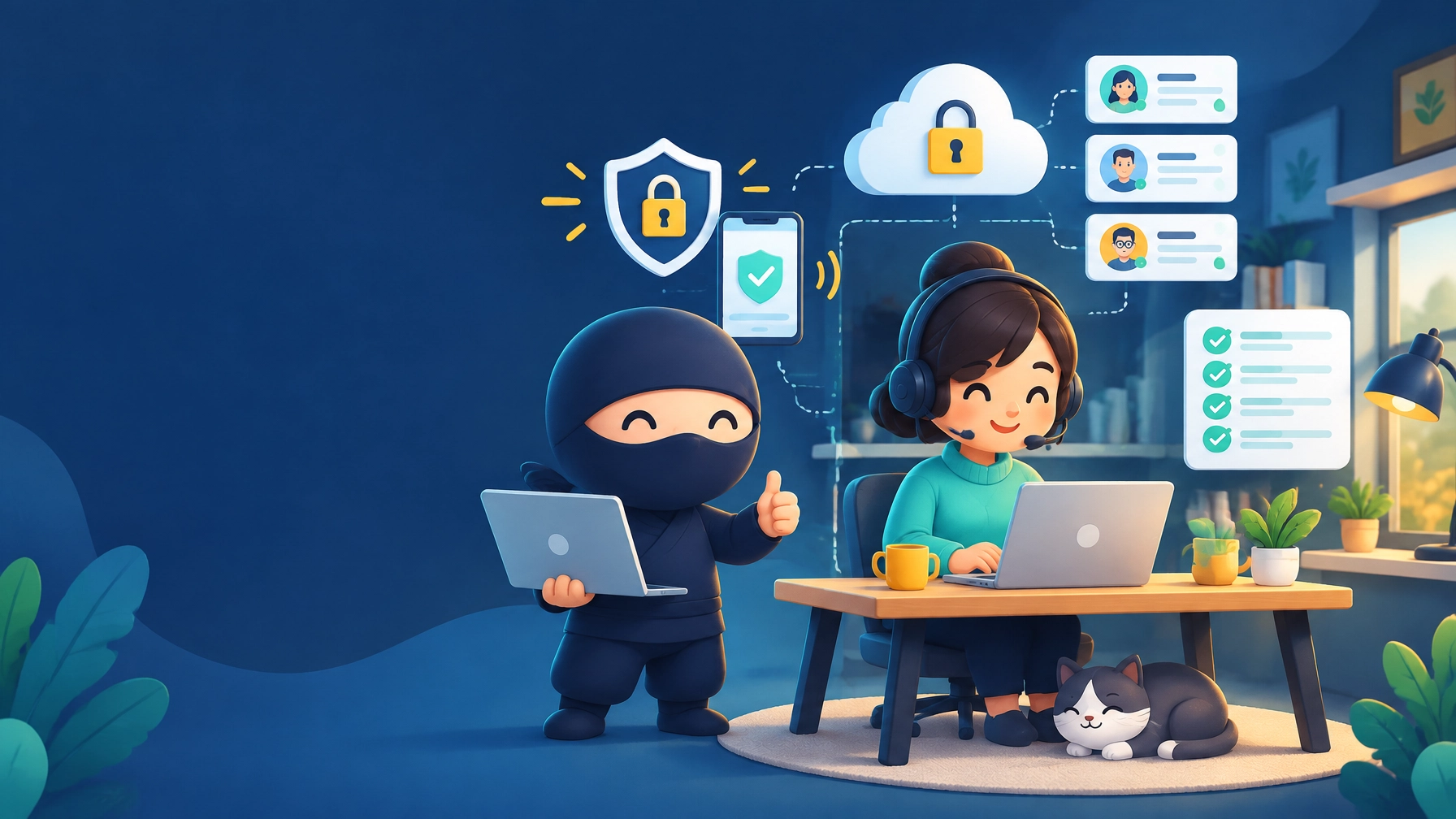
The Bodyguard Paradox
Imagine you hire the best bodyguard in the world. He sees threats before you do. He warns you when something looks off. He tells you when a door is open, when someone suspicious is nearby, and when it is time to move.
Now imagine ignoring every warning he gives you.
That is the Bodyguard Paradox. Businesses invest in security tools and managed IT support, then ignore the basic follow-through that makes those systems work.
In the world of managed IT and cybersecurity, this is one of the most common reasons small businesses stay exposed even after paying for protection.
Why Businesses Treat Security Like “Set It and Forget It”
Many owners hire an IT provider because they want someone to “just handle it.” That makes sense. You are busy running the business.
But security is not a product you buy once and forget. It is an operating habit.
When a business treats the provider like a faceless vendor instead of a strategic partner, the gaps show up fast:
- Security alerts go unanswered
- MFA approvals get delayed
- Password reset requests sit too long
- Admin access piles up without review
- New software gets adopted without security input
That is how a company can be paying for protection and still remain highly vulnerable.

Why Small Businesses Are Prime Targets
Small businesses are attractive targets because they often have valuable data, financial workflows, and customer trust, but fewer internal safeguards than larger organizations.
Attackers know that smaller teams are more likely to:
- reuse weak passwords
- delay patches
- skip access reviews
- trust email-based requests too quickly
- lack a tested recovery process
That matters across industries:
- Financial firms and CPAs: deadline-driven environments are especially vulnerable to ransomware, credential theft, and business email compromise.
- Law firms: wire fraud, mailbox compromise, and unauthorized document access are major risks.
- Healthcare practices: breaches create operational disruption, reputational damage, and possible compliance consequences.
For regulated and client-trust-heavy businesses, security is not just a technical checkbox. It is part of how you protect revenue, reputation, and the client relationships your business depends on.
How to Respond Before a Threat Becomes a Disaster
Most businesses operate with panic urgency. They care about IT when the internet is down, email is broken, or a user cannot log in.
That is too late.
What works better is effective urgency: responding while the issue is still small, boring, and fixable.
That means if your IT partner reaches out about:
- an unusual login attempt
- a device that missed critical patches
- a user who has not completed MFA enrollment
- a vulnerable app that needs updating
- an account with too much administrative access
…you treat that message like a real business priority, not background noise.

What Is the Difference Between a Vendor and a Managed IT Partner?
A vendor sells a product or service. If something breaks, they may help fix that one thing.
A managed IT partner is involved in the ongoing health of your environment. They know your users, devices, systems, risk patterns, and operational priorities. They are not just reacting to failures. They are helping you reduce the chance of failure in the first place.
That is the difference between buying a security stack and building a security posture.
At USTech.Ninja, that partner role is the point: managed IT, cybersecurity, compliance-minded support, website maintenance, workflow automation, and practical business technology guidance under one roof.

How to Make Sure Your Business Is Actually Protected
The paradox is simple: the more consistently you engage with your security process, the less likely you are to deal with a real disaster later.
If you ignore warnings, delay essential approvals, and disengage from basic coordination, you weaken the exact systems you are paying for.
Security works best when:
- alerts are acknowledged quickly
- users know how to report suspicious activity
- administrative access is reviewed regularly
- backup and recovery plans are tested
- new tools and workflows are reviewed before rollout
How-To Guide: 5 Actions to Actually Improve Security
- Report suspicious behavior immediately.
Treat weird pop-ups, login prompts, slow devices, missing files, and strange email behavior as possible warning signs. Do not wait to “see if it goes away.”
- Respond quickly when your IT team asks about an alert.
If your provider asks about a login, device, or unusual activity, answer as quickly as possible. Silence gives attackers time.
- Review administrative access.
Make a list of who has admin rights across Microsoft 365, devices, line-of-business apps, firewalls, and shared platforms. Remove elevated access where it is not clearly needed.
- Schedule a recurring security check-in.
Use a short recurring review to discuss open risks, staff changes, device issues, backup health, and priority updates. Security gets better when it becomes routine instead of reactive.
- Make sure everyone knows how to raise the alarm.
Document where staff should report suspicious emails, login issues, lost devices, or odd behavior. Keep the client portal or support path easy to find.
A Simple Security Reality Check
If you want to know whether your security process is real or mostly decorative, ask these questions:
- Would we notice quickly if a user account were compromised?
- Do we know who has admin access right now?
- Do we respond promptly when our IT provider flags a risk?
- Have we tested restores from backups, not just assumed they exist?
- Do staff know how to escalate suspicious activity?
If too many of those answers are “not really,” then the issue is not just tooling. It is follow-through.
Final Takeaway
Paying for security is a good start. It is not the same thing as being secure.
Real protection comes from the combination of good tools, a proactive provider, and a business that participates in the process. That is how you reduce risk before a warning becomes an incident.
Take the next step: review your response habits, your access controls, and your escalation process. If your security partner is warning you about something, respond while the issue is still small.
That is what real security looks like.