TL;DR: SMS-based MFA is better than password-only, but it is no longer strong enough for the accounts that matter most. If your business still relies on text-message codes for Microsoft 365, Google Workspace, or other core systems, passkeys are the cleanest next step. They are faster for users, harder for attackers to phish, and far better aligned with modern identity security.
Most account takeovers do not start with a dramatic “hack.” They start with a login page.
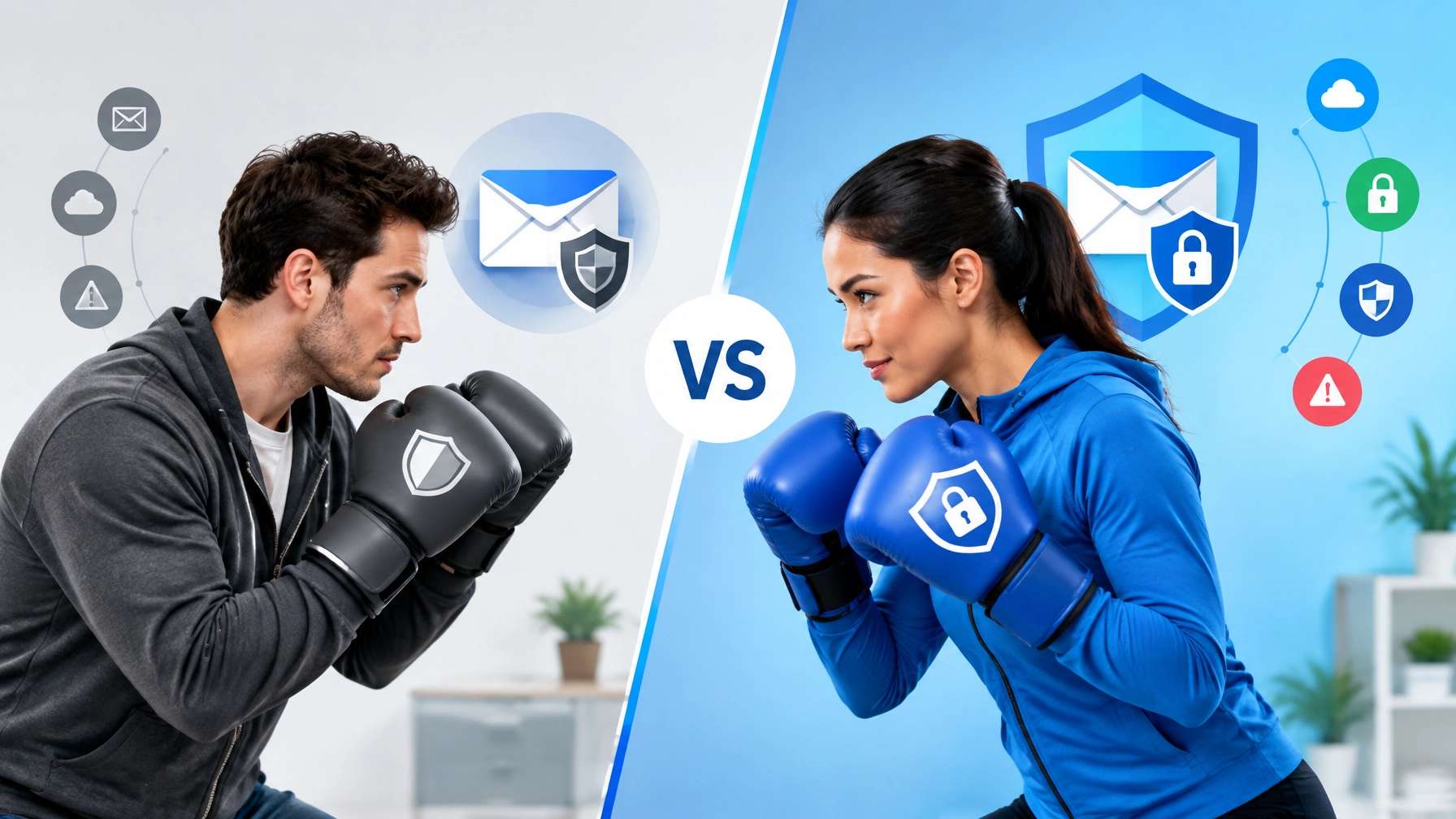
That is why old advice like “any MFA is good enough” needs an update. Multi-factor authentication still matters, but not all second factors offer the same protection. Text-message codes can still help compared with password-only sign-in, but they are easier to intercept, relay, or socially engineer than modern phishing-resistant methods.
If you want the practical answer for a small business in 2026, here it is: stop treating SMS as the finish line. Start treating passkeys as the upgrade path.
What Is the Most Secure MFA for a Small Business?
The strongest mainstream option for most small businesses today is phishing-resistant FIDO2 authentication, usually in the form of platform passkeys or hardware security keys.
Why? Because a passkey is tied to the real website. If someone tricks a user into visiting a fake Microsoft or Google login page, the passkey should not authenticate to the impostor domain. That is a major improvement over text codes, approval spam, or weaker fallback methods that can still be stolen in real time.
Microsoft’s current Entra guidance explicitly pushes organizations toward phishing-resistant methods such as passkeys and FIDO2. That shift is happening for a reason: attackers are getting much better at stealing sessions and relaying basic MFA prompts.

Why SMS MFA Is No Longer Enough
Text-message codes still beat having no MFA at all. But for owners, admins, finance staff, and anyone holding sensitive access, they have obvious weaknesses:
- SIM swapping: If a criminal convinces the carrier to move a number, the codes follow the number.
- Adversary-in-the-middle phishing: Some phishing kits can relay a login and capture the MFA step in real time.
- Prompt fatigue and user confusion: The more users are trained to type or approve whatever the login screen demands, the easier it is to trick them.
Passkeys do not solve every identity problem, but they close off several of the easiest attack paths that still work against SMS and weaker MFA flows.
What Makes Passkeys Easier Than Older “Security Upgrades”?
For years, stronger authentication sounded like an enterprise project. Today, it is much more approachable.
Users can often create a passkey using the device they already trust, such as:
- Windows Hello on a business laptop
- Face ID or Touch ID on an iPhone
- Android biometrics on a managed phone
- a hardware security key such as a YubiKey for backup or higher-risk roles
That means you can start upgrading account security without turning the whole office into a training camp.
The Fastest Rollout Path for Microsoft 365
If your business runs on Microsoft 365, this is the best place to start. Microsoft Entra supports passkeys and FIDO2 methods, and it also gives admins a cleaner path to registration campaigns than most small business tools do.
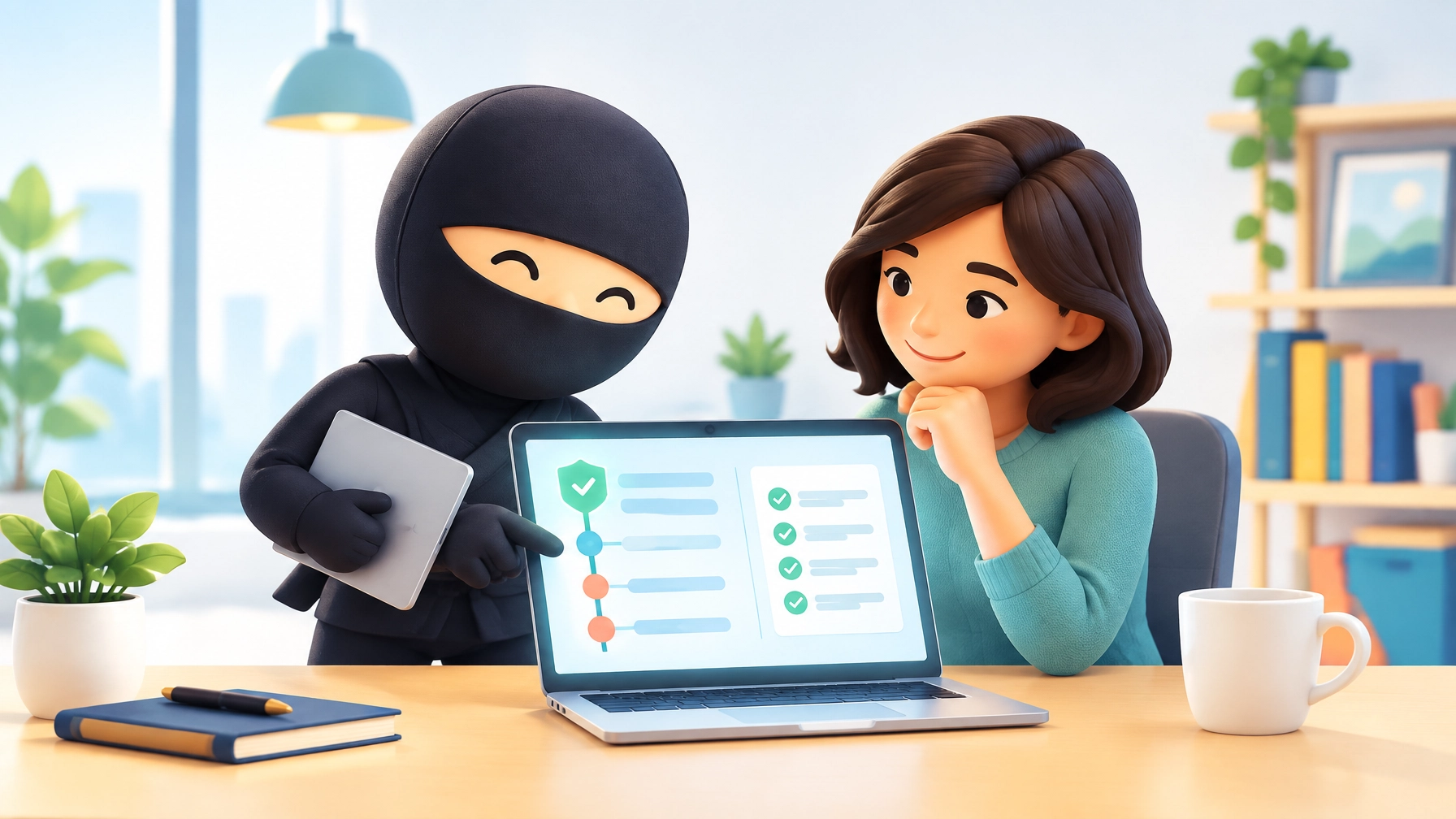
A practical rollout usually looks like this:
- Enable passkey and FIDO2 support in Microsoft Entra authentication methods.
- Start with a pilot group that includes owners, admins, finance users, and other high-risk accounts.
- Allow self-service registration so users can enroll on trusted devices.
- Use a registration campaign to nudge users toward passkey setup during normal sign-in.
- Keep a backup option for recovery, ideally with hardware keys for critical accounts.
Microsoft’s current documentation also supports using authentication strengths and Conditional Access to require stronger methods for sensitive access. In plain English: you do not just enable passkeys. You can eventually start insisting on them where the risk is highest.
What About Google Workspace?
Google accounts also support passkeys, and Google Workspace environments can move users toward passwordless or passkey-based sign-in depending on admin configuration and account type.
The most important business takeaway is not the exact menu path, which Google changes often. It is this:
- allow passkeys and security keys in your Workspace security settings
- have users create passkeys on trusted devices
- reserve stronger controls for admins and sensitive users first
- avoid leaving SMS as the comfortable permanent default
If you have a mixed Microsoft and Google environment, the same principle still applies: move your highest-risk logins to phishing-resistant methods first.

The Small Business Passkey Checklist
- Prioritize your most dangerous accounts. Start with owners, admins, finance, HR, and email admins.
- Enable passkey support in your core identity platform. For most businesses, that means Microsoft Entra or Google Workspace.
- Reduce reliance on SMS. If you cannot disable it immediately, move it toward fallback status instead of primary sign-in protection.
- Issue hardware backups where needed. Keep spare FIDO2 security keys for critical staff and recovery scenarios.
- Check your other apps. Email is not the only risk surface. Review CRM, password manager, payroll, file storage, and banking access too.
Security That Does Not Fight the User
At US Tech Ninja, we spend a lot of time helping businesses improve security without making daily work worse. That is one reason passkeys are so appealing. They are not just safer. They are usually faster and less annoying for users once they are set up correctly.
That matters because strong security that nobody uses consistently is not really strong security.

Stop Letting Old MFA Carry New Risk
If your business still treats text-message codes as the “secure” setting, your identity strategy is overdue for an upgrade.
Passkeys are not just a shiny new feature. They are one of the clearest practical improvements a small business can make to reduce phishing-driven account compromise.
If you want help rolling them out in Microsoft 365, Google Workspace, or a mixed environment without locking out the whole office on a Monday morning, that is exactly the kind of migration we can help plan and support.