You’ve seen the prompt a thousand times. You enter your password, and then the screen says: “We’ve sent a 6-digit code to your phone. Enter it here to continue.”
For years, we’ve been told this is the “Gold Standard” of security. We call it Multi-Factor Authentication (MFA), and it’s supposed to be the digital equivalent of a deadbolt on your front door. But here’s the cold, hard truth for 2026: for many hackers, that “deadbolt” is now about as effective as a wet paper towel.
If you’re a business owner in Phoenix or Scottsdale, you might think you’re safe because you “turned on MFA.” But if you’re still relying on text codes (SMS), you’re leaving the back door wide open to something much nastier than a simple password theft: Session Hijacking.
The Illusion of the Text Message Code
Let’s get one thing straight: MFA isn’t dead, but the way we use it is definitely on life support. The problem with SMS-based MFA is that it relies on the cellular network, which was never designed with high-level security in mind.
Hackers have figured out that they don’t actually need to “break” your password if they can just “become” you. This starts with the most common vulnerability: the SIM Swap.

In a SIM swap attack, a hacker convinces your mobile carrier (think Cox, Verizon, or T-Mobile) to port your phone number over to a SIM card they control. They do this through social engineering or, occasionally, by bribing a low-level employee at a retail store. Once they have your number, they receive your MFA codes directly. They don’t even need to touch your physical phone.
What is Session Hijacking (And Why Should You Care?)
If SIM swapping is the “old school” way to bypass MFA, Session Hijacking is the high-tech version that’s currently keeping IT directors awake at night.
Think of it this way: When you log into your email or your CRM, the website gives your browser a digital “ticket” (called a session cookie). As long as you have that ticket, you don’t have to re-enter your password every time you click a new page. It’s like a VIP wristband at a Scottsdale resort: once you’re in, you can roam around freely.
Session hijacking is when a hacker steals that wristband.
They don’t need your password. They don’t need your MFA code. They just wait until after you’ve already logged in, steal the session cookie using malware or a sophisticated phishing proxy, and then paste it into their own browser. Suddenly, they are you. They have full access to your data, your clients’ information, and your bank accounts.
For a Phoenix managed service provider like us, seeing this happen is like watching someone leave their car running with the doors unlocked while they pop into a Circle K. It’s a tragedy that’s entirely preventable.
Why Phoenix Small Businesses are the Perfect Targets
You might think, “I’m just a small law firm in Scottsdale” or “We’re just a dental practice in Mesa: why would a hacker care about us?”
Actually, you are the preferred target.
Big corporations have massive security budgets and 24/7 security operations centers. Small and mid-sized businesses (SMBs) often have “consumer-grade” security. You’re large enough to have valuable data: like patient records, wire transfer info, or sensitive legal documents: but often small enough to have overlooked the “boring” stuff like endpoint monitoring or advanced MFA.
At US Tech Ninja, we specialize in helping owner-operated businesses that have outgrown their DIY setups. We see real-talk mistakes every day where businesses assume they are protected because they have a basic antivirus and a text-message code. Spoiler alert: they aren’t.
Moving Beyond the Text Code: What Actually Works
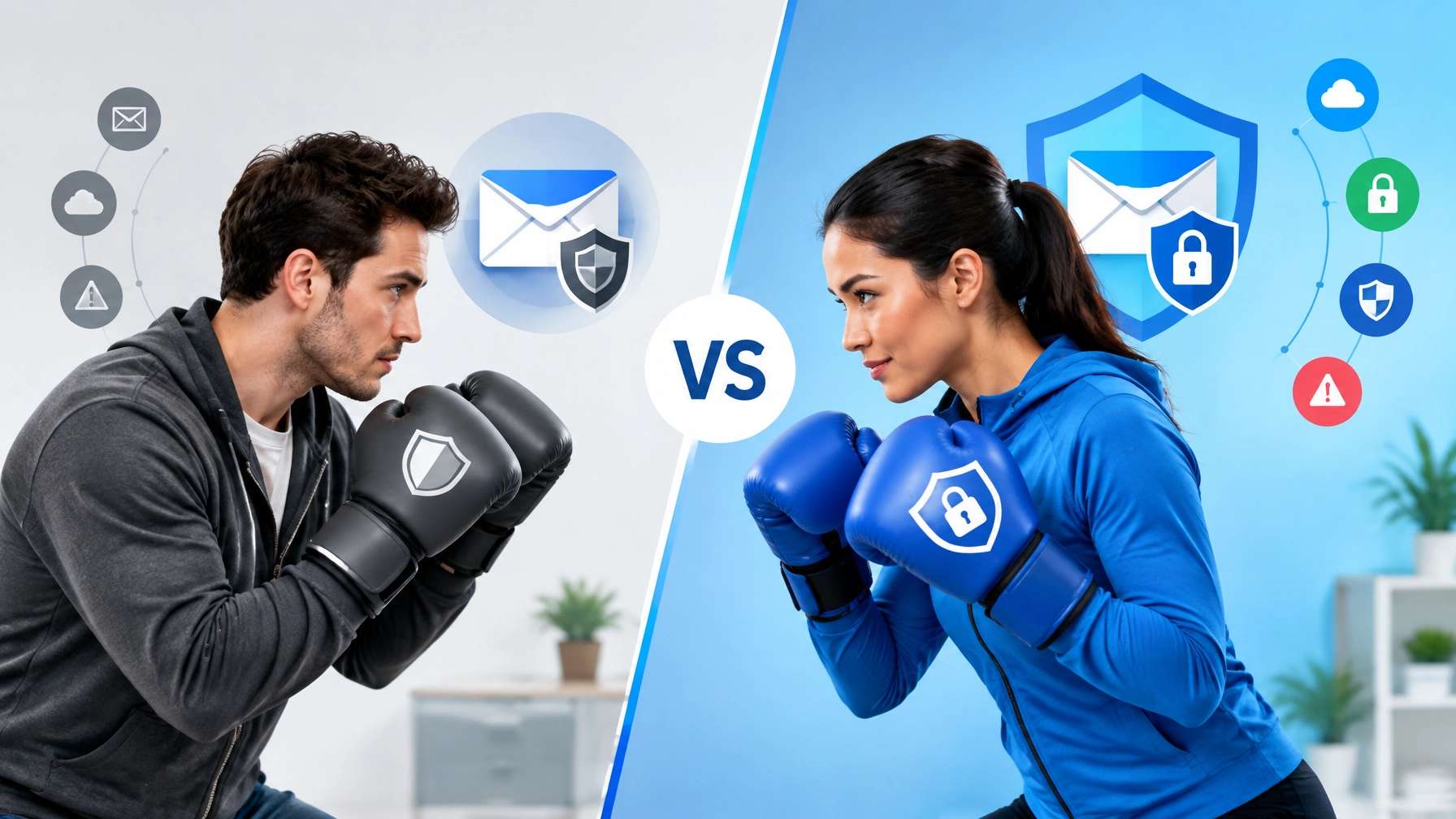
If SMS MFA is the “wet paper towel,” what’s the “steel vault”?
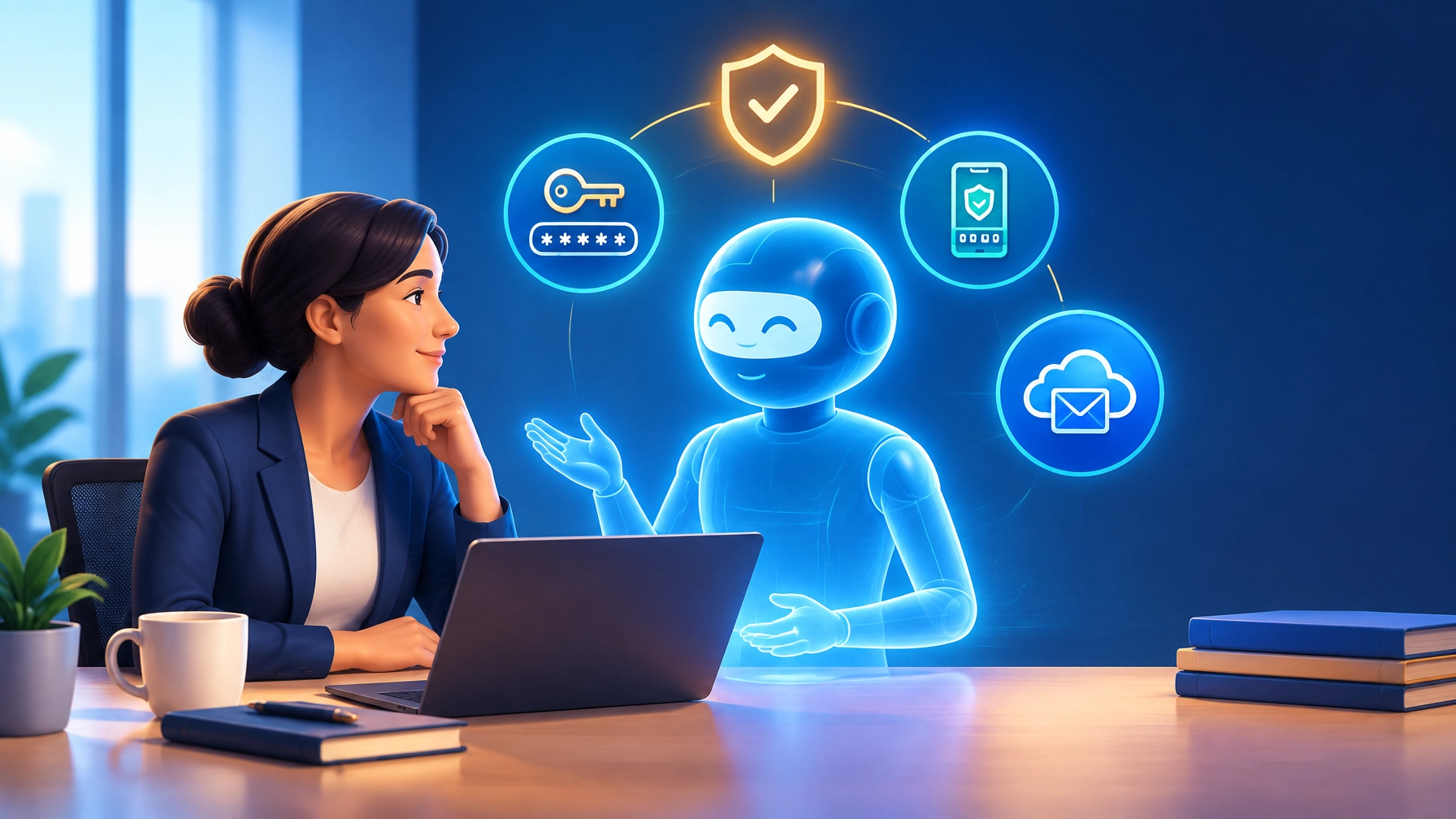
To protect your business in the modern landscape, you need to upgrade to Phishing-Resistant MFA. This isn’t just a buzzword; it’s a specific standard of security that makes it virtually impossible for a hacker to “proxy” your login or steal your session.
1. Hardware Security Keys (FIDO2)
Devices like YubiKeys are the gold standard. You physically plug a small USB key into your laptop or tap it against your phone to log in. Because the key “talks” directly to the website to verify it’s the real site and not a phishing clone, a hacker in another country can’t intercept the signal.

2. Authenticator Apps
If hardware keys feel too “extra” for your team, at least move to an app-based authenticator (like Microsoft Authenticator or Google Authenticator). These generate codes locally on your device, meaning they can’t be intercepted via a SIM swap.
3. Managed EDR and Proactive Monitoring
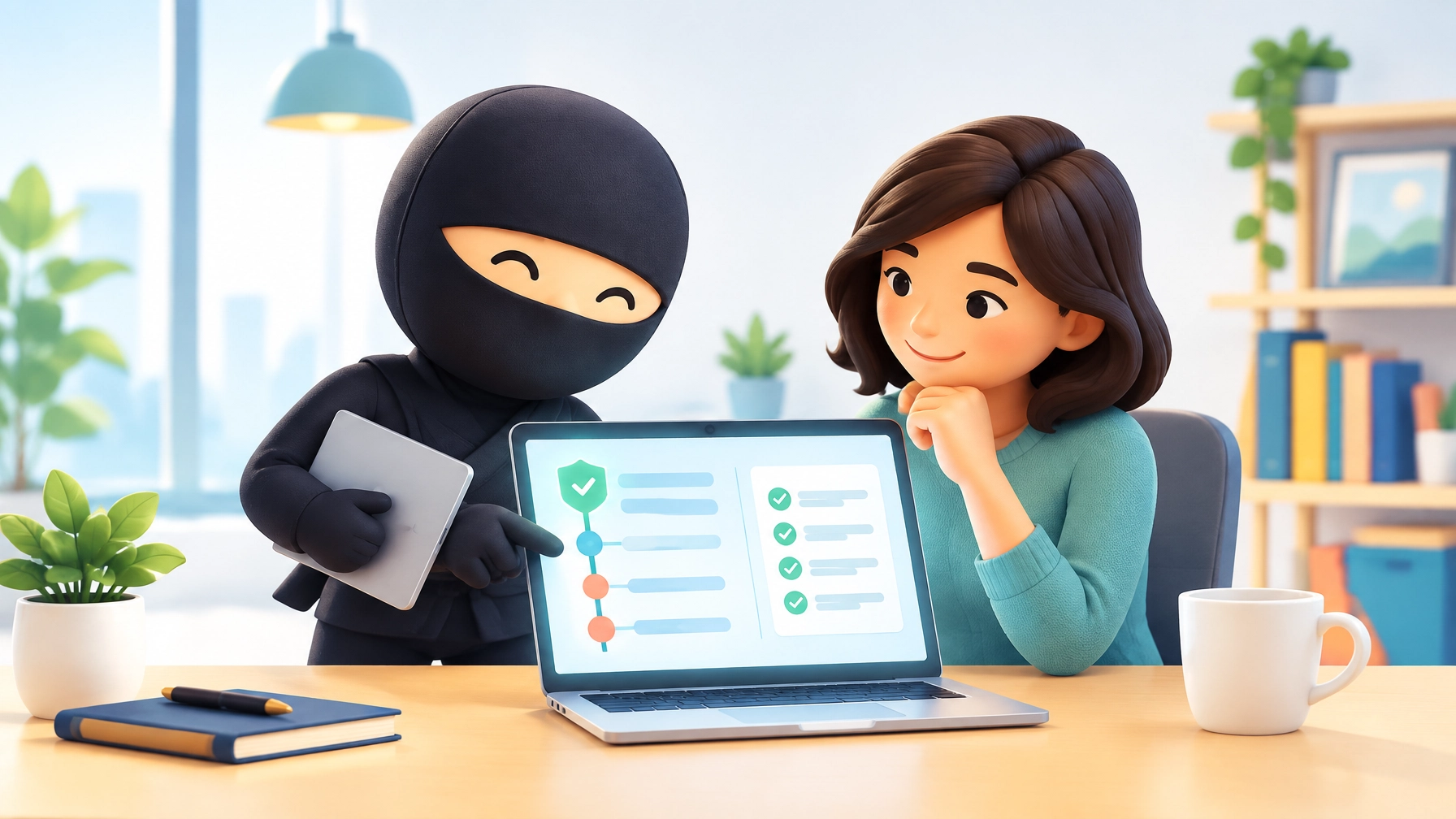
This is where Managed IT services Phoenix come into play. Even the best MFA won’t stop an attacker if there is malware on your computer that is literally recording your screen or stealing your files.
Our core services include Automated Endpoint Monitoring. We don’t just wait for you to call us when your computer is screaming; we use AI-assisted tools to catch threats before they become disruptions. We track “fleet health” to make sure your patches are up to date and your “VIP wristbands” aren’t being handed out to strangers.
The Layered Defense Strategy
Security isn’t a single product; it’s a series of layers. If a hacker gets through your password, they hit your MFA. If they bypass your MFA, they hit our monitoring tools. If they try to execute a malicious file, our EDR (Endpoint Detection & Response) shuts it down instantly.

When you work with a firm like Your Personal Ninja, you aren’t just getting “tech support.” You’re getting a partner who actually knows your environment. Whether it’s managing your Microsoft 365 or Google Workspace or providing Scottsdale IT support for a regulated medical practice, we handle the technical headaches so you can focus on running your business.
Don’t Wait for a “Scare” to Take Action
Most of our clients come to us after a phishing attempt or a close call with ransomware. They realized their “consumer-grade” setup was no longer enough.
If you’re still relying on text codes to protect your business’s most sensitive data, you’re playing a dangerous game of “YOLO” with your livelihood. It’s time to move past the security theater and implement real, enterprise-grade protection.
Ready to see how your current setup stacks up? From HIPAA compliance to high-speed managed WordPress hosting, we’ve got you covered.
Stop guessing and start protecting. Contact US Tech Ninja today to get a real handle on your cybersecurity before the next session hijacker finds your “VIP wristband.”