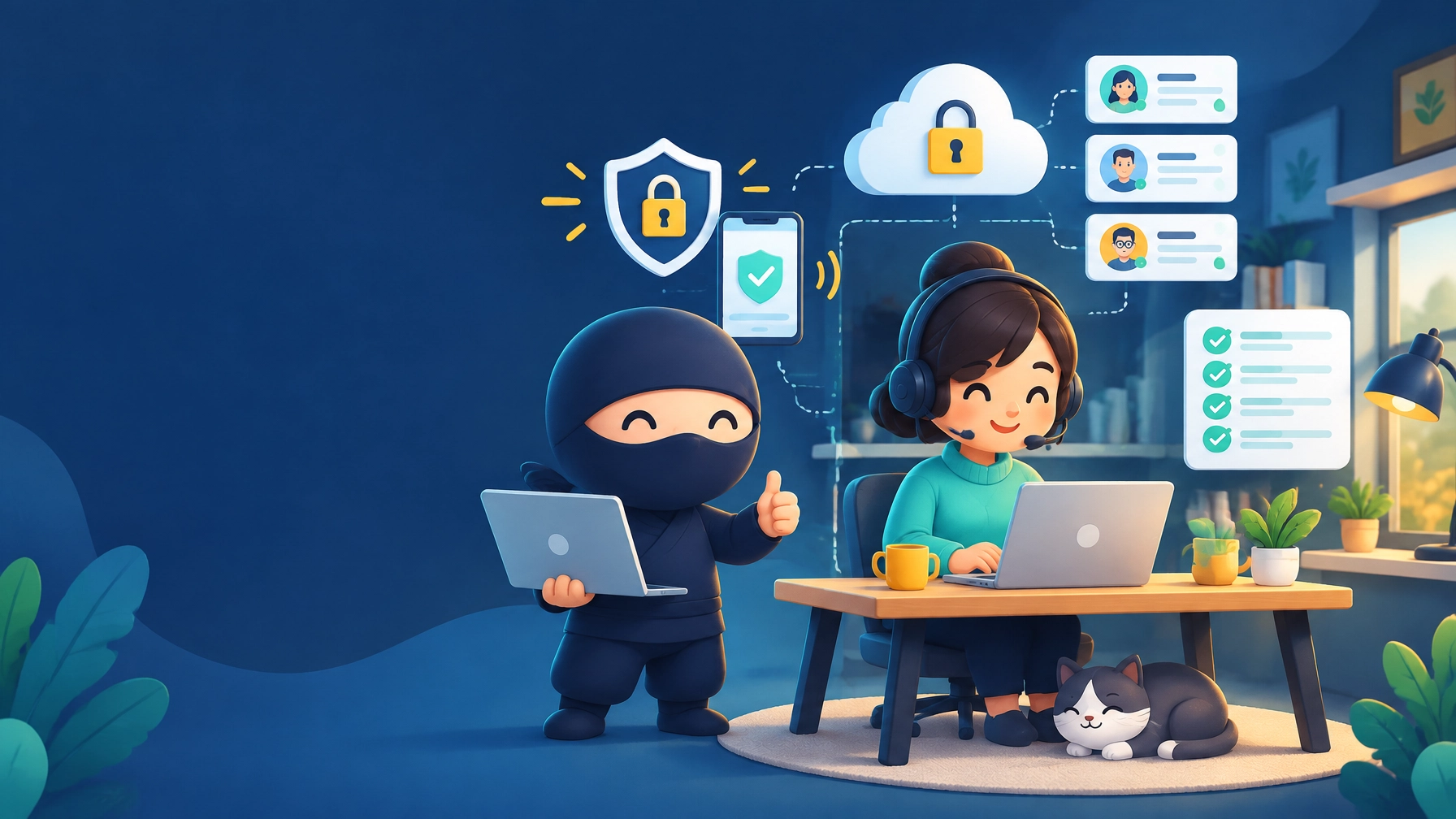
Most small businesses don’t realize their IT provider is failing them until something breaks catastrophically. But here’s a simpler test: is your IT provider asking you these questions? If not, they’re not actually managing your IT: they’re just responding to emergencies and collecting a check.
Real managed service providers act as strategic partners, not just break-fix technicians with a monthly retainer. Here’s how to tell the difference.
1. “What does downtime actually cost your business?”
Without understanding your business impact, your IT provider can’t make intelligent decisions about infrastructure investment. Should you have redundant internet connections? That depends on whether one hour of downtime costs you $200 or $5,000.
Your provider should calculate your hourly revenue, customer impact, and employee idle time during outages: then design systems that match your actual risk tolerance.
Red flag: They’ve never discussed backup internet, cloud vs. local systems, or disaster recovery plans based on YOUR specific business.
We worked with a real estate photographer where downtime cost roughly $500 per hour in missed appointments. We set up cellular backup internet for $80 per month because ONE avoided outage per year pays for itself. Their previous IT guy never asked: he just assumed they didn’t “need” redundancy.

2. “What’s your biggest daily tech frustration?”
Small annoyances compound into massive productivity losses. If you waste 10 minutes per day fighting with slow software, that’s 43 hours per year: more than a full work week: just gone.
Regular check-ins where your Phoenix managed service provider specifically asks about pain points, workflow bottlenecks, and recurring issues: then actually fixes them proactively: separate real IT support from reactive troubleshooting.
Red flag: You’ve complained about the same printer, software, or workflow issue for months and nothing changes.
A client mentioned their QuickBooks was “a little slow.” We discovered it was taking 45 seconds to load invoices. For someone checking 30+ invoices daily, that’s 22 minutes wasted every single day. We moved their database to SSD storage: problem solved in one afternoon. Their previous provider never asked because they only focused on “emergencies.”
3. “Who has access to what data, and should they?”
The number one security risk isn’t hackers: it’s excessive permissions. When everyone can access everything, one phishing email compromises your entire business.
Your IT provider should do quarterly access reviews: “Does Sarah still need access to payroll files? Does the marketing intern need admin rights?” This is basic security hygiene that most break-fix providers ignore completely.
Red flag: Everyone in your 8-person company has full access to all files, and nobody’s ever questioned whether that makes sense.
A 5-person medical office came to us where the receptionist had full access to all patient records going back 10 years: including records she had no reason to access. That’s a HIPAA violation waiting to happen. We implemented role-based access in one afternoon, and they finally had proper compliance controls in place.

4. “When did you last TEST your backups?”
Backups you’ve never tested don’t exist. We’ve seen too many businesses discover their backups were corrupted, misconfigured, or pointing to the wrong location only AFTER they desperately needed them.
Monthly documented test restores should be standard practice. Your Scottsdale IT support provider should randomly select files, restore them to a test location, verify they open correctly, and show you the results.
Red flag: Your IT provider says backups are “working fine” but can’t show you documentation of the last successful test restore.
A client’s previous IT company charged them $80 per month for “backup management” for two years. When their bookkeeper accidentally deleted a critical QuickBooks file, the backup didn’t work: it had been failing for seven months and nobody checked. They lost seven months of financial data. We now test restores monthly and send verification screenshots.
5. “Are you planning to hire, expand, or add services in the next year?”
Technology decisions today affect your capacity tomorrow. Planning to hire three people? Your current internet bandwidth might not handle six simultaneous video calls. Expanding to a second location? That requires planning NOW, not when you sign the lease.
Your IT provider should ask about business plans during regular check-ins and flag technology considerations before they become bottlenecks. This is what separates strategic business automation Phoenix services from reactive support.
Red flag: You mentioned you’re opening a second office next month, and your IT provider seemed surprised.
A client casually mentioned they were moving offices in 90 days. We immediately flagged: internet installation takes 4-6 weeks, phone system needs reconfiguration, network equipment needs to be ordered. Their previous IT person would have found out the week of the move: causing massive disruption and unnecessary stress.

6. “What are your compliance requirements, even if you think they don’t apply?”
Many small businesses don’t realize they’re subject to compliance frameworks. Accept credit cards? That’s PCI-DSS. Handle any medical information? That’s HIPAA. Work with certain clients? They might require SOC2 or cyber insurance.
Your IT provider should ask about your industry, customer requirements, and data types: then proactively flag compliance obligations and design systems accordingly.
Red flag: You handle sensitive data (medical records, credit cards, financial info) and your IT provider has never mentioned compliance frameworks, required controls, or audit readiness.
A small mental health practice came to us thinking they “didn’t need HIPAA compliance” because they’re under 10 employees. Wrong: HIPAA applies to ALL covered entities regardless of size. Their previous IT person never mentioned it. They were one patient complaint away from $50,000+ in fines.
7. “What would happen if I disappeared for two weeks?”
Many small businesses have a “tech person”: the owner or one employee who knows all the passwords, manages the weird systems, and keeps things running. If they’re unavailable, everything stops.
Your MSP should maintain complete documentation: every password, every system configuration, every vendor contact. You should be able to lose your “tech person” without losing critical knowledge.
Red flag: Your IT provider has asked YOU for passwords or system details multiple times. That means they’re not documenting anything.
A client’s owner (who managed all IT himself) had a medical emergency and was hospitalized for three weeks. His staff couldn’t access critical systems, reset passwords, or even find vendor contact information. We spent 40 billable hours reverse-engineering his setup. If his previous IT provider had documented ANYTHING, this would’ve taken two hours.

The Difference Between Managed Services and Break-Fix With a Retainer
Break-fix IT disguised as “managed services”:
- Waits for you to report problems
- Responds when they have time
- Never discusses your business or future plans
- Documentation? What documentation?
- Strategic planning? Not included
True managed service provider:
- Identifies problems before you notice
- Monitors systems 24/7 automatically
- Asks about your business regularly
- Maintains complete documentation
- Treats technology as a business tool, not just equipment
What To Do If Your Provider Isn’t Asking These Questions
Schedule a meeting and ask THEM these questions. Their responses will tell you everything.
Good answer: “You’re absolutely right: let’s schedule time to review these areas. I should have been asking already.”
Bad answer: “That’s not in your service agreement” or “We don’t typically do that” or “That would be extra.”
If basic strategic questions are met with resistance, you don’t have a managed service provider: you have an expensive break-fix technician with a monthly retainer.
You Deserve Better
At USTech.Ninja, we built our business specifically for small businesses (1-20 users) who need enterprise-level protection without enterprise overhead. Every client gets monthly check-ins to discuss pain points, upcoming changes, and strategic needs, quarterly access and security reviews, monthly documented backup testing, and complete system documentation updated continuously.
We ask these questions because we actually care about your business success: not just keeping your computers running.
Think your current IT provider might be falling short? Schedule a free second opinion call and we’ll review what you’re getting, what you should be getting, and whether your current provider is delivering actual value. No pressure, no sales pitch: just honest answers.