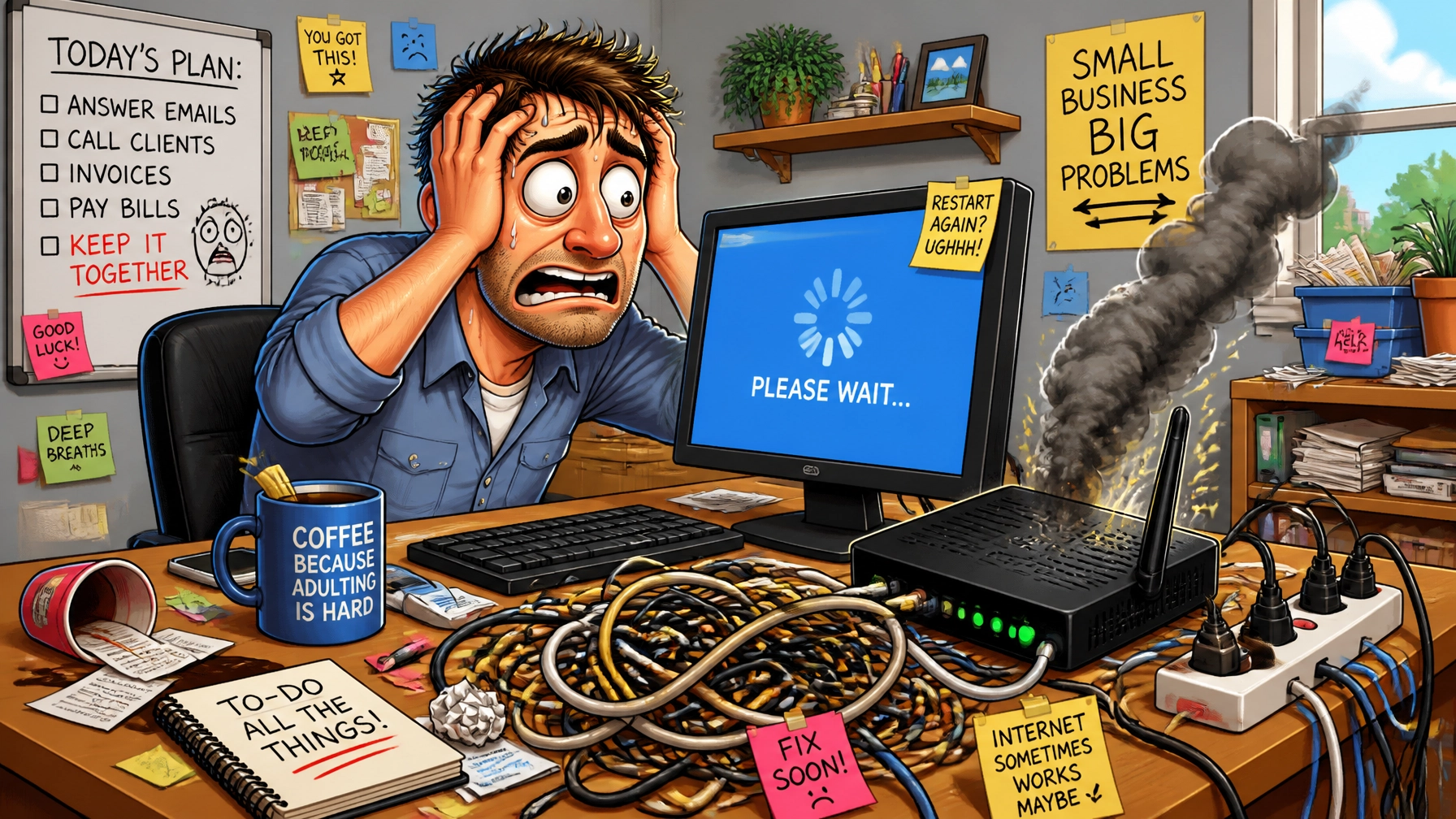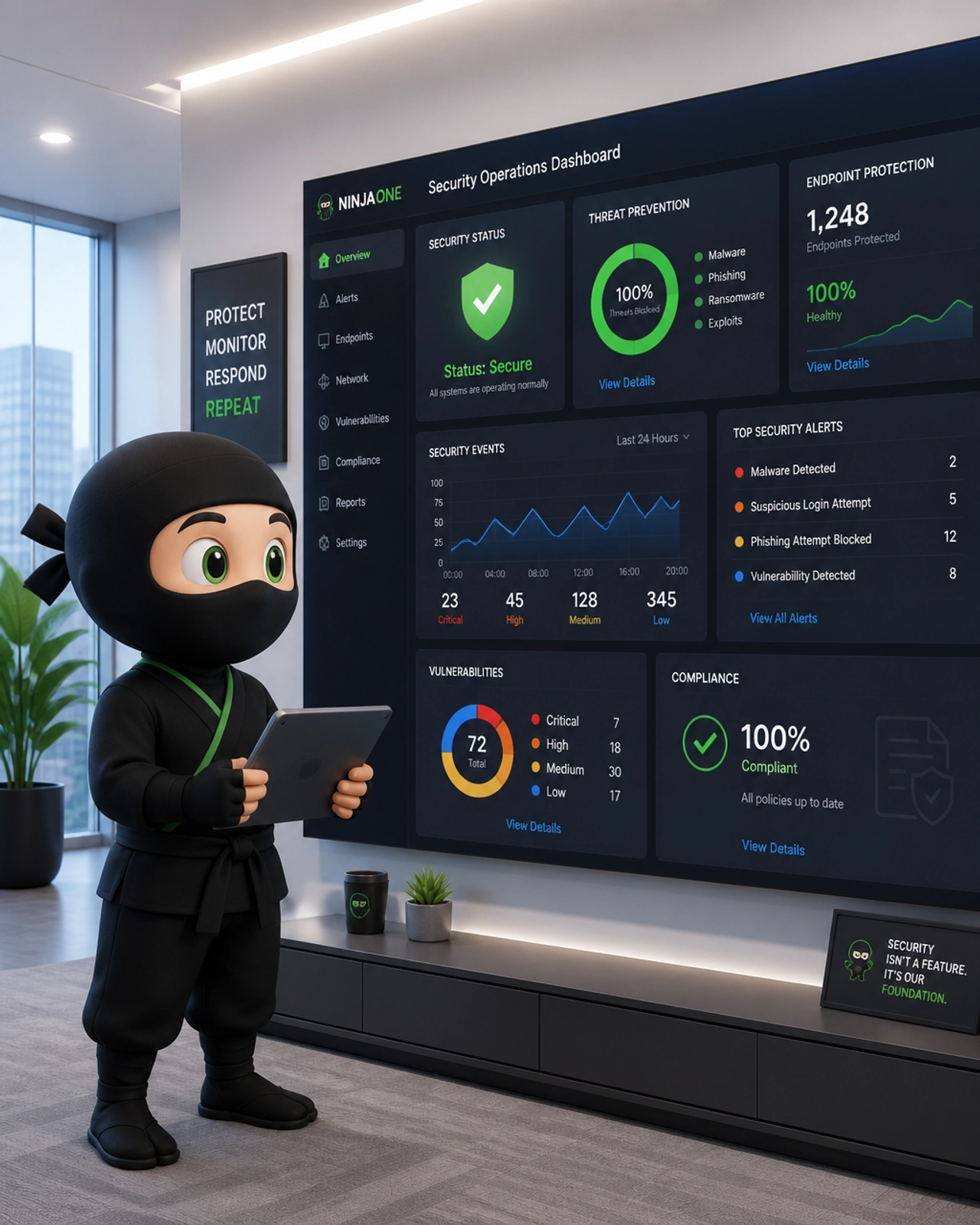
If you’re running a medical or dental practice in the Phoenix or Mesa area, you probably have a to-do list longer than a pharmacy receipt on a Monday morning. We get it. You’re focused on patient outcomes, root canals, and keeping the schedule full. But there’s a storm brewing for 2026, and it’s not the typical monsoon, it’s the Office for Civil Rights (OCR) and their updated audit schedule.
HIPAA IT compliance in Phoenix isn’t just about having a password on your computer anymore. The 2026 audit landscape is shifting toward more aggressive enforcement, especially for small to mid-sized practices that think they’re “too small to notice.” Trust us, you aren’t.
At USTech.Ninja | YourPersonal.Ninja, we see these pitfalls every day. Let’s break down the seven most common (and expensive) mistakes we see in local practices and, more importantly, how to fix them before the auditors start knocking.
1. The “Once-In-a-Lifetime” Security Risk Analysis (SRA)
Many practice owners treat the Security Risk Analysis like a colonoscopy: they do it once every ten years and hope they never have to think about it again. Unfortunately, HIPAA requires this to be an ongoing process. If your SRA is from 2022, it’s basically a decorative paperweight in the eyes of an auditor.
A proper SRA needs to reflect your current environment. Did you add new tablets for patient intake? Change your cloud backup provider? Hire three new hygienists? All of that needs to be documented.
The Fix: Schedule an annual SRA. If you’re a client of our Managed IT & Proactive Monitoring, this is part of the “proactive” part of our name. We track your fleet health and help you document the risks before they become breaches.

2. Texting PHI Like It’s a Brunch Invite
We’ve seen it a thousand times: a doctor in Mesa texts a photo of a patient’s rash to a specialist in Scottsdale using standard iMessage or WhatsApp. It’s fast, it’s easy, and it’s a massive HIPAA violation.
Standard SMS and consumer chat apps lack the encryption, audit logs, and identity verification required by the Security Rule. If that phone is lost or the message is intercepted, you’re looking at a reportable breach.
The Fix: Switch to a secure, HIPAA-compliant messaging platform. Whether it’s integrated into your EHR or a standalone secure app, make sure there is a signed Business Associate Agreement (BAA) in place. Speaking of which…
3. Ghosting Your Business Associates (The BAA Gap)
You might have the most secure office in Arizona, but if your IT guy, cloud storage provider, or billing company hasn’t signed a Business Associate Agreement (BAA), you are technically out of compliance.
In 2026, auditors are looking specifically at the “chain of trust.” They want to see that every vendor touching your Protected Health Information (PHI) knows their responsibilities. Simply seeing “HIPAA Compliant” on a vendor’s website isn’t enough, you need the signed document in your files.
The Fix: Audit your vendors. Anyone who creates, receives, maintains, or transmits PHI for you needs a BAA. This includes your website hosting provider if your site handles patient forms.
4. The “FrontDesk1” Password Pandemic
Shared logins are the bane of cybersecurity. When everyone in the office logs into the same “FrontDesk” or “Xray” account, you lose all accountability. If a record is inappropriately accessed or deleted, you have zero way to prove who did it.
HIPAA requires “Unique User Identification.” This means every person in your office needs their own login, their own password, and, ideally, Multi-Factor Authentication (MFA).
The Fix: Implement role-based access controls. Give your staff the minimum access they need to do their jobs. And please, for the love of all things holy, stop putting post-it notes with passwords on the bottom of keyboards. We also recommend checking out our guide on reducing identity theft risk to see why credential management matters so much.

5. Unencrypted Laptops in the Wild
Phoenix has a bit of a car-theft problem, doesn’t it? If a laptop containing patient records is stolen from your backseat and it wasn’t encrypted, you have to notify the OCR, the media, and every single affected patient. If it was encrypted, it’s usually not even considered a breach.
Encryption is your “Get Out of Jail Free” card. Yet, we still find practices running business on consumer-grade laptops that don’t have full-disk encryption enabled. This is why investing in business-grade machines is non-negotiable for 2026.
The Fix: Enable BitLocker (Windows) or FileVault (Mac) on every single portable device. If you don’t know how to manage those keys, that’s where Dental IT support in Phoenix comes in. We manage the encryption centrally so you don’t have to.
6. Training that Bores Staff to Death (or Worse)
Most offices do a 15-minute HIPAA video during orientation and then never mention it again. Cybersecurity training needs to be a regular conversation. Your staff are your first line of defense against phishing, and if they haven’t been trained on what a 2026-era phishing email looks like, they’re going to click it.
Auditors will ask your staff questions. If they can’t tell the auditor who the Security Officer is or what to do if they lose their phone, you’re going to fail that section of the audit.
The Fix: Implement monthly security awareness training. We offer automated, bite-sized training modules that keep security top-of-mind without taking up hours of your staff’s time. It’s about building a culture of security, not just checking a box.

7. Your Website is Leaking PHI
This is the one that surprises most Phoenix medical practices. Does your website have a “Contact Us” form? If a patient types “I have a weird mole on my arm” into that form and it sends a standard email to your front desk, you’ve just transmitted PHI over an unencrypted channel.
Standard WordPress plugins and basic contact forms are rarely HIPAA compliant out of the box. As the 2026 audits approach, the OCR is paying closer attention to how patient data enters your system, not just how it’s stored.
The Fix: Use HIPAA-compliant form builders (like JotForm Health or specialized medical plugins) and ensure your website maintenance plan includes regular security scans. We specialize in building and maintaining secure sites for medical professionals in the East Valley.
Stop Procrastinating: The 2026 Deadline is Real
We know it’s tempting to put this off. You might think, “I’ve never had a breach, why worry now?” But the landscape of modern operations is changing. Cybercriminals are using AI to target smaller practices because they know the security is often weaker there.
Waiting until you get an audit notice is the most expensive way to handle HIPAA compliance. By then, the fines are already on the table. Fixing these seven mistakes now is significantly cheaper than a single OCR settlement.
If you’re feeling overwhelmed by the technical requirements, don’t sweat it. That’s why we’re here. Whether you need Medical practice IT support in Mesa or a full security overhaul for your dental clinic, USTech.Ninja is your partner in staying compliant and staying open.
Ready to see where your gaps are? Check out our guide on small business IT budgeting to see how affordable professional compliance can be, or reach out to us today to schedule your 2026 readiness review.