
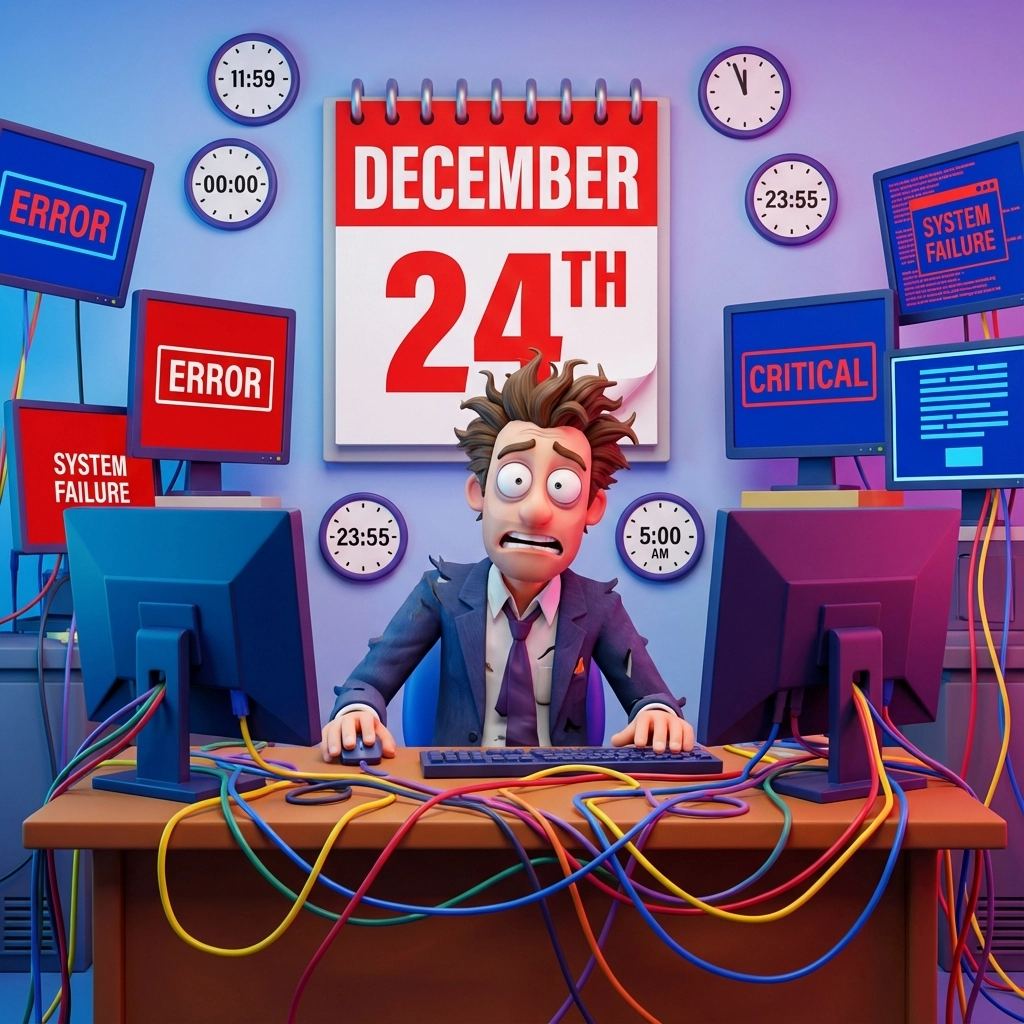
Every year, offices across Arizona and beyond face the classic last-minute holiday tech scramble: systems that weren't fully validated, a "quick" software install before heading out, and a flood of urgent tickets right as teams go offline. It's common, avoidable, and stressful for everyone.
Welcome to the annual holiday tech scramble: where good intentions meet terrible timing, and everyone loses.
Here's the thing: holidays aren't surprise events. Christmas happens on December 25th every single year. Yet somehow, many organizations still find themselves in full panic mode, submitting urgent support requests while their IT teams are (rightfully) spending time with family.
Let's talk about why last-minute holiday planning is a recipe for disaster, and more importantly, how to break this cycle for good.
Why Last-Minute Holiday Support Is Doomed to Fail
Skeleton Crews Everywhere
During the holidays, everyone is running on minimal staff. Your managed IT services team? Many are traveling or spending time with family. The software vendor you need help from? They may be on limited coverage or closed for several days. That "quick fix" you need? It may not happen until early January.
This isn't about lazy service providers: it's about respecting that people deserve time off. When urgent requests land during holiday weeks, they can force someone to choose between assisting and spending time with family.
Testing Takes Time (And You Don't Have It)
Remember those critical business systems you rely on—alerts, workflows, access rules, backups? Did you validate them end-to-end from an external perspective? What about your backup and recovery processes: when's the last time you verified they're actually working?
The harsh reality is that testing and verification can't be rushed. If something goes wrong with communications workflows or backup systems during a holiday weekend, you're stuck. No amount of urgent emails will make technical problems resolve themselves faster.
Change Requests Are Holiday Suicide
Installing new software, updating security settings, or making "quick" system changes right before the holidays is like playing Russian roulette with your business operations. What happens if that "simple" install breaks something critical? What if your new endpoint protection conflicts with existing software?
Smart IT support teams (like ours) will actually deny risky change requests during holiday periods. It's not personal: it's protecting your business from downtime when getting help is nearly impossible.
Real-World Examples of Holiday Tech Fails
Let's look at some anonymized scenarios that happen every December:
The Last-Hour Settings Change: A team tweaked access controls and alert rules right before leaving, then second-guessed the results and escalated. A simple validation plan with a checklist and a test account would have confirmed everything without turning it into an emergency.
The Last-Minute Install: A user attempted to install new software right before the break, triggering security alerts. IT appropriately deferred the change. The reality? Major installations during holiday periods are high risk; schedule them for January when full support is available.
The Emergency That Wasn't: A team realized on December 26th that their backup system hadn't been tested in six months. What felt like an emergency was actually a planning gap that could have been resolved weeks earlier.
Notice the pattern? These aren't technical emergencies: they're planning failures disguised as urgent requests.
The Magic of Planning Ahead
Here's what separates businesses that cruise through the holidays from those that panic:
October Is Your Friend
Smart business owners start their holiday tech prep in October. They're scheduling maintenance, testing systems, and coordinating with their IT teams while everyone's still available and alert.
This isn't overkill: it's strategic. When you plan ahead, you can actually address problems properly instead of scrambling for quick fixes.
November Is Crunch Time
November is when you finalize everything:
- Validate critical business systems and notifications end-to-end (simulate from external sources)
- Verify backup systems are working
- Schedule any necessary updates or changes
- Confirm emergency contact procedures with your IT team
December Is Hands-Off
By December, your only job is to execute the plan. No new installations, no "quick" changes, no testing new software. December is for running your business with the systems you've already verified work.

Your Holiday Tech Checklist
Here's a practical checklist to prevent holiday tech disasters:
Six Weeks Before (October):
- Schedule annual system maintenance
- Review and update emergency contact procedures
- Plan any major software updates or changes
- Book holiday IT support blocks with your managed service provider
Four Weeks Before (November):
- Validate critical communications, alerts, and workflow automations end-to-end
- Verify backup systems are functioning
- Update knowledge bases and FAQ documents
- Confirm holiday schedules with all vendors
Two Weeks Before (December):
- Final testing of all automated systems
- Lock down change requests: nothing new until January
- Confirm emergency-only contact procedures
- Set realistic expectations with staff about holiday support
Holiday Week:
- Monitor systems but avoid making changes
- Respect your IT team's time off
- Use "Do Not Disturb" and other basic solutions before calling for help
Quick Workarounds When Support Is Delayed
- Send a manual status update: designate one person to post a brief "systems green/yellow/red" note via your internal chat or email at set intervals.
- Use clear internal channels: pin a single "holiday-ops" thread in Teams/Slack for all tech updates and questions. Avoid DMs; keep info visible.
- Try safe basics first: restart the affected app or device, check network connectivity (wired/wireless), and sign out/in once. Stop if errors persist.
- Switch to a fallback: use an approved alternate (web app instead of desktop client, secondary browser, mobile hotspot, read-only mode).
- Capture quick diagnostics: record exact error messages and timestamps and what changed recently; take a screenshot. This speeds resolution later.
- Use a mini-checklist: power and cables seated; VPN status; account access valid; storage not full; peripherals online; backups show last successful run.
Keep it simple and stop at the first sign of risk. If it's a security alert, data loss, or access control issue, pause and wait for support rather than improvising.
How Everyone Wins
When you plan ahead, magical things happen:
Your IT Team Gets Real Time Off: They can actually disconnect and recharge, which means they come back in January refreshed and ready to tackle new challenges.
You Avoid Holiday Chaos: Your systems work smoothly because they've been properly tested and verified, not hastily cobbled together at the last minute.
Your Customers Stay Happy: Clear communications, reliable backup systems, and smooth operations keep your business looking competent even when you're not in the office.
January Becomes Productive: Instead of starting the new year fixing holiday disasters, you can focus on growth and new initiatives.
Breaking the Cycle
The key to ending holiday tech panic is changing your mindset from reactive to proactive. Stop thinking of holiday prep as "something to worry about later" and start treating it like any other important business process.
Your IT support team needs time to work properly. Rushing technical solutions during holiday periods when teams are understaffed doesn't just create stress: it creates real business risks.
Smart business leaders recognize that respecting their support team's time leads to better service year-round. When you're not the client who panics every December, you become the client who gets priority attention when you actually need it.
Ready to Break the Last-Minute Cycle?
If you're tired of holiday tech stress and ready to join the ranks of businesses that plan ahead, let's talk. Our team can help you create a proactive holiday tech strategy that keeps everything running smoothly while everyone gets to actually enjoy their time off.
Don't wait until next December to figure this out. Book a pre-holiday IT assessment and let's build a plan that works for everyone: Schedule your consultation here.
Because the best holiday gift you can give yourself (and your IT team) is a little advance planning.