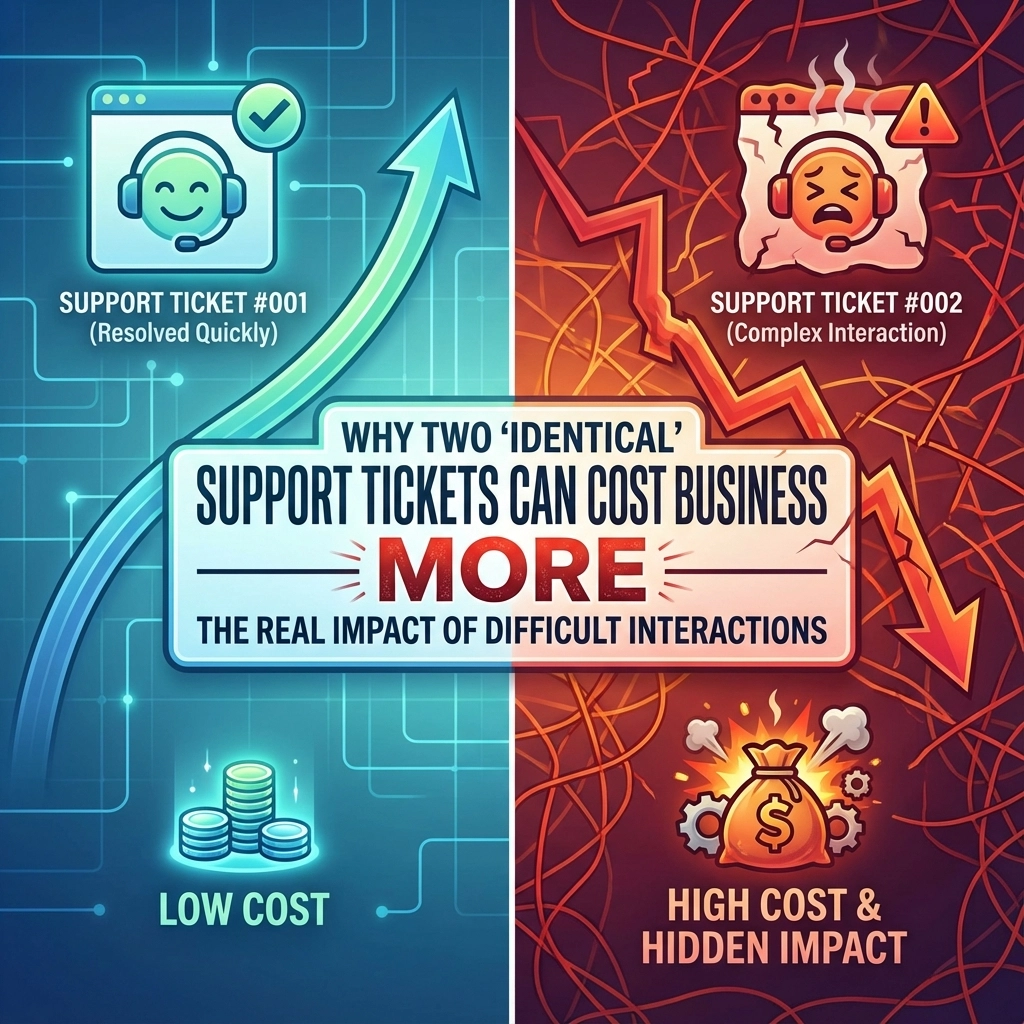
Most businesses treat IT like a necessary evil: something to endure, not leverage. That’s a costly mistake that’s probably bleeding your budget dry right now.
When managed properly, technology doesn’t just keep the lights on. It eliminates waste, automates tedious work, prevents disasters, and turns your biggest expense into your competitive advantage.
Here are six concrete ways our MSP services generate measurable returns that you can track on a spreadsheet, not vague promises about “efficiency gains.”
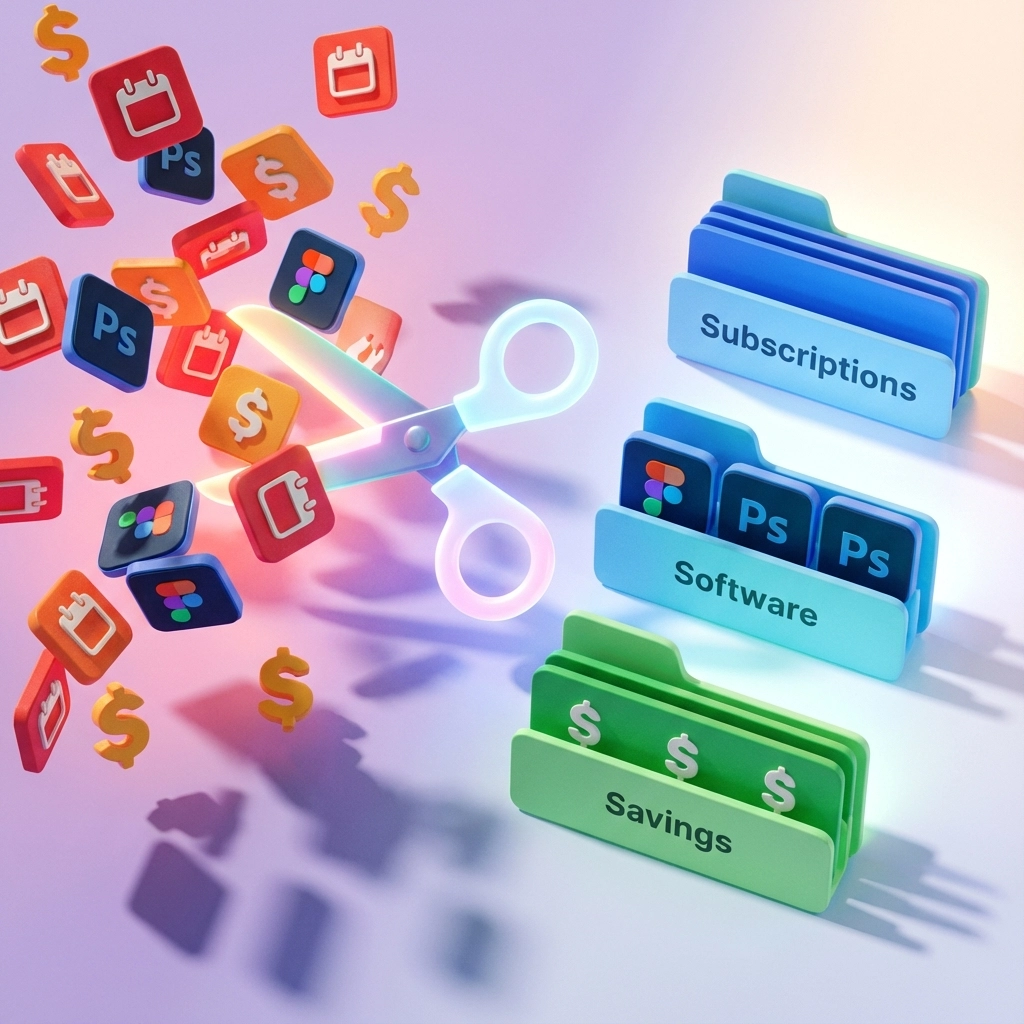
1. Eliminate $8,000–$20,000 in Hidden Technology Waste
Your business is hemorrhaging money on technology you’ve forgotten about. We’re talking about:
- 5-7 unused SaaS subscriptions auto-renewing annually
- 2-3 overlapping tools doing the same job poorly
- Duplicate licenses for software already included in other plans
- Zombie services from abandoned projects still charging your card
For a typical 15-person business, this waste averages $8,000–$20,000 annually. Most of it sits on auto-renewals, invisible until someone actually audits your stack.
Real Example: A client discovered they were paying for three password managers ($840/year), two backup solutions ($2,100/year), unused project management licenses ($1,800/year), and overlapping collaboration tools ($1,200/year). Total recovered: $5,940 in Year 1: plus we caught a Microsoft 365 renewal about to jump 22% ($3,600 saved).
We catalog every subscription you’re paying for, eliminate redundancies, consolidate overlapping tools, cancel zombie subscriptions, and negotiate better rates through MSP partnerships (typically 10-15% discounts).
ROI: A single optimization audit recovers $8K–$20K annually.
2. Recover 20–40 Hours Per Month Through Automation
Every hour your team spends on repetitive IT tasks is an hour they’re not growing your business:
- Password resets and account provisioning: 3-5 hours/month
- Manual backup checks: 2-4 hours/month
- Software updates and patch testing: 4-8 hours/month
- System monitoring: 6-10 hours/month
- Vendor coordination: 2-5 hours/month
For a single employee spending 5 hours weekly on these tasks: 260 hours/year at $50/hour loaded cost = $13,000/year in lost productivity.
We automate the repetitive burden through:
- Patch management on autopilot with testing and rollback
- Automated backup verification with failure alerts
- Self-service password resets
- Automated user provisioning and offboarding
- System monitoring that checks 100+ endpoints in minutes, not hours
Most clients recover 20-40 hours monthly of internal IT burden:
| Business Size | Hours Recovered/Month | Annual Value |
|---|---|---|
| 5-person firm | 20 hours | $12,000 |
| 15-person firm | 30 hours | $18,000 |
| 25-person firm | 40 hours | $24,000 |
ROI: Automation typically recovers $12K–$50K annually in productivity.
3. Prevent Downtime Before It Costs You Revenue
One hour of downtime is surprisingly expensive:
Formula: (Annual Revenue ÷ 2,080 work hours) × Number of Employees Affected
| Business Profile | Downtime Cost/Hour |
|---|---|
| 5-person, $50K/month revenue | $208/hour |
| 15-person, $150K/month revenue | $625/hour |
| 25-person, $300K/month revenue | $1,250/hour |
Most businesses experience 8-20 hours of preventable downtime annually from failed backups, disk space exhaustion, security incidents, and expired certificates.
24/7 automated monitoring detects problems 12-48 hours before they become business-interrupting failures:
✓ Backup failures detected before data loss
✓ Disk space alerts trigger cleanup before crashes
✓ Security anomalies caught before escalation
✓ Hardware failures predicted through SMART monitoring
✓ Certificate expirations prevented
Real Example: Our monitoring caught early disk failure warnings on a client’s primary server at 2 AM. We scheduled replacement during lunch, migrated data proactively, and avoided 12 hours of complete business stoppage (cost avoided: $15,000).
ROI: Even one prevented outage typically pays for a full year of monitoring.

4. Reduce Security Breach Costs by 60–75%
The average small business data breach costs $200,000–$500,000 when you factor in forensic investigation, legal fees, business interruption, reputation damage, and insurance deductibles.
But most breaches are preventable with foundational security controls:
Our Layered Defense:
- Behavioral threat detection across all devices
- Multi-factor authentication (blocks 99%+ of credential attacks)
- Advanced phishing detection and URL scanning
- Critical security patches deployed within 48-72 hours
- Immutable, ransomware-proof backups
Industry data shows these controls reduce breach probability by 60-75%. For a business with 15% annual breach probability:
- Expected breach cost without protection: $200K × 15% = $30,000/year
- Expected breach cost with protection: $200K × 5% = $10,000/year
- Net annual risk reduction: $20,000
For clients paying $12K–$18K/year for security services, the risk-adjusted ROI is immediate: before factoring in avoided reputation damage and business disruption.
ROI: Security functions as risk insurance that pays for itself even if you never experience a breach.
5. Negotiate Better Vendor Rates and Lock Them In
MSPs aggregate demand across dozens of clients, creating volume purchasing leverage individual businesses can’t access:
Typical MSP Partnership Discounts:
- Microsoft 365/Google Workspace: 5-15% below retail
- Security software: 20-40% below retail
- Backup and disaster recovery: 15-30% below retail
- Cloud infrastructure: 10-20% below retail
- VoIP and communications: 15-25% below retail
For a business spending $30,000/year on software and cloud services, a 10% average discount saves $3,000 annually, 15% saves $4,500.
Beyond discounts, we monitor contracts to prevent surprise renewals:
✓ Track renewal dates 90 days in advance
✓ Negotiate rate locks (often 2-3 years)
✓ Challenge auto-renewal price increases
✓ Evaluate competitive alternatives
Real Example: A client’s Microsoft 365 was set to auto-renew with a 22% price increase ($4,200 additional cost). We negotiated a 3-year rate lock at current pricing plus applied MSP discount, saving $6,300 in Year 1.
ROI: Vendor optimization typically saves 10-15% across your entire tech stack.

6. Prove Your ROI with Annual Service Optimization Reviews
Most businesses can’t answer: “How much money did we save this year through technology optimization?”
Without measurement, IT remains a black box expense instead of a documented business asset.
We conduct comprehensive Service Optimization Assessments that quantify:
Cost Savings Identified:
- Redundant tools eliminated
- Vendor discounts secured
- License right-sizing
- Infrastructure optimization
Downtime Prevented:
- Proactive issues caught and resolved
- Backup recoveries executed
- Security incidents blocked
- Calculated revenue impact
Productivity Recovered:
- Automation hours saved
- Reduced IT interruptions
- Faster onboarding processes
- Self-service adoption
Real ROI Numbers:
| Category | Typical Annual Value |
|---|---|
| Cost savings | $8,000–$20,000 |
| Productivity gains | $15,000–$50,000 |
| Risk prevention | $30,000–$100,000+ |
| Total Measurable ROI | $53,000–$170,000+ |
For a business paying $18,000/year for MSP services, seeing $100,000+ in measurable returns delivers a 5.5X return.
ROI: Annual reviews transform a services contract into a documented business asset with clear, defensible returns.
Transform IT from Cost Center to Growth Driver
The difference between commodity IT support and strategic partnership is this:
Commodity IT fixes things when they break. Strategic partnership eliminates waste, automates work, prevents disasters, reduces risk, optimizes spending, and proves value in measurable dollars.
Technology should work harder for your business, not the other way around.
Ready to see your ROI? Contact Your Personal Ninja to schedule your complimentary Service Optimization Assessment. We’ll show you exactly what we could recover, prevent, automate, and improve: with the numbers to prove it.
Visit ustech.ninja to get started.